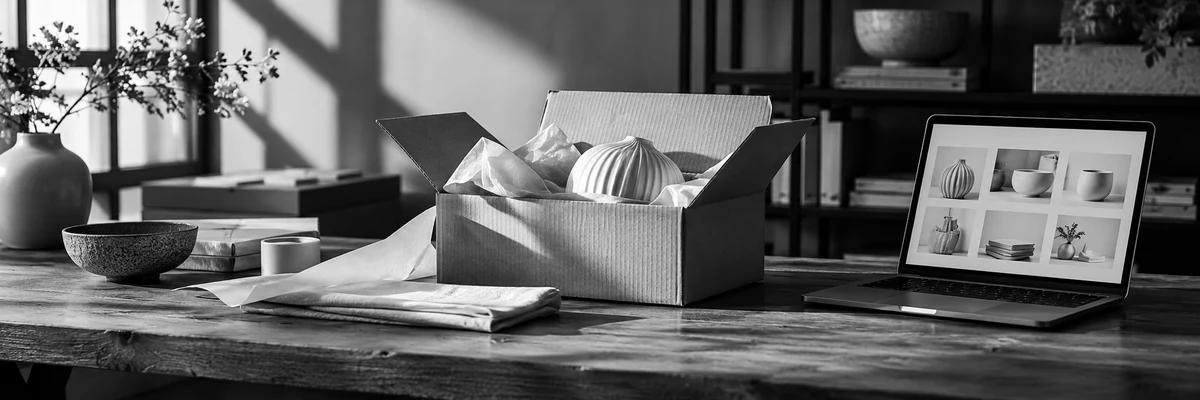
Online shops. Apps. Portals. Campaigns with a clear next step.
Create something customers can use: a shop to buy from, an app to complete a task, a portal to share updates, or a campaign with a clear response route. We connect the working product, its content and its launch.
For a product launch or campaign, choose where each creative asset will be used. Video, copy and visuals should support the shop, app, offer or customer task rather than exist as separate files.
Plan an explainer, business introduction or video ad around what the viewer needs to understand. Agree on the thumbnail, description and versions in the brief.
Prepare short videos for Instagram, TikTok, Facebook or LinkedIn. Choose the placements first so the framing, captions and opening fit the way people watch.
Know what happens next. From task to working product.
01
Define the useful task.
Agree who will use it, what they need to complete, the business rules and the first release.
02
Review the journey.
Test the content, screens or campaign concept before committing to the complete production.
03
Build and check.
Create the agreed product and connections. Check permissions, transactions, error paths and handoffs.
04
Launch and hand over.
Confirm release readiness, business accounts, documentation and the person responsible for ongoing care.
08 / WHAT YOU RECEIVE
A working release. A usable handover.
The proposal names the deliverables, review points and responsibilities.
01
The agreed product.
A defined shop, app, portal or campaign build, with the features and integrations confirmed in the scope.
02
Checks and release notes.
A record of the agreed customer tasks, review findings, remaining dependencies and release decisions.
03
Ownership and next steps.
Appropriate business access, source or configuration handover, operating notes and a clear route to post-launch support.
09 / BEFORE YOU START
Questions about what you want to create.
What can C3i3 create for a business?+
You can commission an online shop, web or mobile app, customer portal, membership website, booking flow, campaign or creative production. We begin with the task and scope the appropriate build rather than assume every business needs a custom app.
Do we need a custom build or an existing platform?+
We review the requirements, available products and integrations. A configured platform can be appropriate; custom development should solve a requirement that justifies its ongoing ownership and maintenance.
How do Create and Design work together?+
Design develops the experience, screens and identity. Create brings the agreed product or campaign into a working release. A project can combine both, with the responsibilities and handover defined in one scope.
Can a project include payments, bookings or member access?+
Yes, when included in the commissioned scope. We define the provider accounts, rules, transaction states, permissions and operational handoff before implementation. Third-party terms and approval requirements remain separate.
Can we start with a smaller first release?+
Yes. We can define a useful initial task and the features needed to complete it. Later ideas stay visible without being treated as included in the first build.
Do you still create videos and campaign assets?+
Yes. Web commercials, business videos, social video and creative campaign production remain part of Create. They can support a product launch, explain a service or lead to a focused campaign destination.
Who looks after the product after launch?+
Your business keeps an authorized owner. Ongoing website care, content operations, reporting or coordinated marketing support can be scoped through Manage. A build does not automatically include unlimited future changes.
What should we bring to the first conversation?+
Describe the task, who needs it, the current workaround and any systems it must connect to. Existing examples and constraints are useful. You do not need a finished specification to start the discussion.